How it works
- Open the EPUB in Files or Mail, tap Share and pick Luni.
- Luni finds where the book starts and lists its chapters.
- Press play.
It starts at chapter one
An EPUB opens with a cover, a title page, a copyright notice and a table of contents. Nobody wants those read aloud. Luni skips them, along with Project Gutenberg’s license text, and starts where the book does.
Nothing is deleted: the skipped parts stay in the chapter list, dimmed, and play if you pick them.
Listening to a book
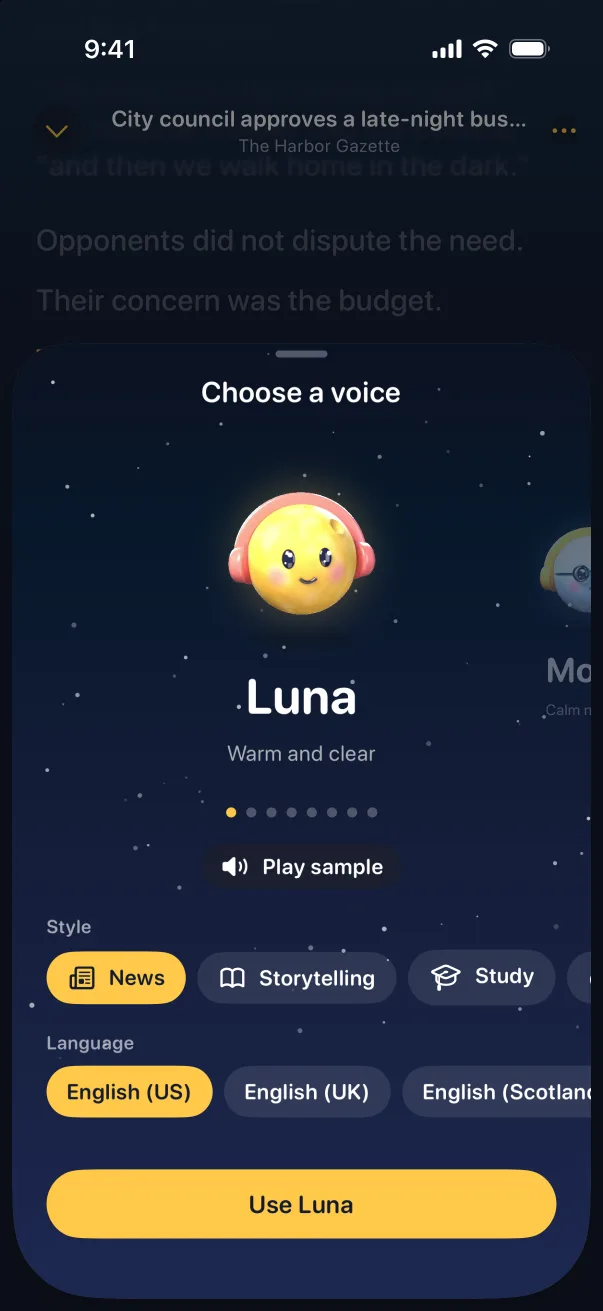
- A voice for stories. Books play in the Storytelling style by default. There are eight voices to choose from.
- Your place, saved. Close the app, come back days later, and it picks up mid-chapter.
- Jump around. Pick a chapter from the list, or tap a sentence to start there.
- A sleep timer. Set it and let Luni stop on its own.
- Speed. From 0.75× to 2×.
- No limit. Luni Pro doesn’t count hours, so a 600-page novel is fine.
Which ebooks work
Luni reads EPUB files without DRM. That covers free classics from Project Gutenberg and Standard Ebooks, and books sold DRM-free by their authors or publishers.
Books bought in Kindle or Apple Books are locked to those apps, so Luni can’t open them.