Web articles
Share a page from Safari or any other app.
Luni reads your PDFs, articles and ebooks out loud on your iPhone. Press play on the way out and keep listening until you get there.

You save an article for later, download a report for the weekend, buy an ebook you mean to start. Later doesn’t come. And the apps that read out loud want an account, a yearly plan and count the hours you listen.
Twenty open tabs, a PDF you’ve opened three times and closed, a book on page 12.
You share them to Luni as they come. In the morning you press play once. The article plays on the walk to the station, the report on the train, and the book picks up at page 12 after dinner.
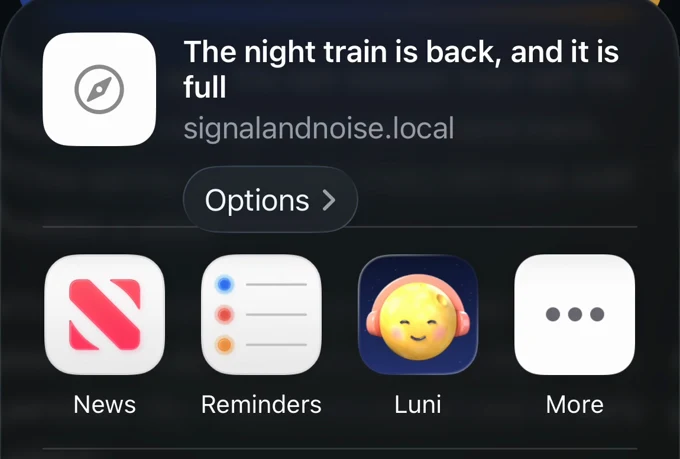
Add things the way you already save them: tap Share in Safari, Files or Mail and pick Luni. It reads the article, not the menus and ads, and pages you’re logged into work too.
Share a page from Safari or any other app.
Reports, papers and class notes, from Files or Mail.
Books without DRM, chapter by chapter.
Copy any text, paste it into Luni and press play.
Everything lines up in Up Next and plays in order, on the lock screen and in the background. Switch on “Play next” to move something up.
Luni highlights the sentence it’s reading and remembers your place in every item. Tap any sentence to jump there.
Change the speed from 0.75× to 2×, or set a sleep timer and let Luni stop on its own.
Luni’s voices run on the phone itself, not on a server. That’s why there’s no limit, no account and nothing of yours to upload.
There’s no server reading for you by the hour, so Luni Pro has no cap on how much you listen.
Once something is in your library it plays offline: on a plane, in the subway, out of coverage.
No sign-up, no login and no password. Open Luni and press play.
Files, titles, text and links never leave your phone. We only count anonymous events, like “an item finished playing”.
Find a long article or a report at your desk, share it to Luni on your Mac, and it’s waiting in your iPhone’s Up Next when you get in the car or head out for a run. One subscription covers all your Apple devices.
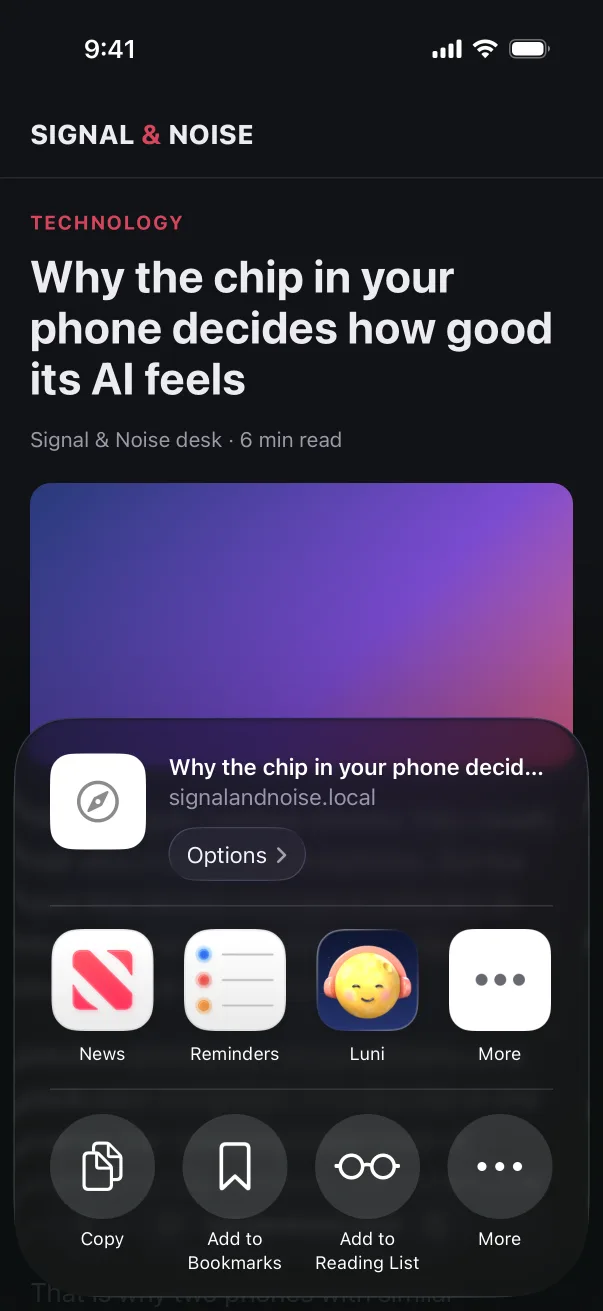
Share from Safari, Files or Mail
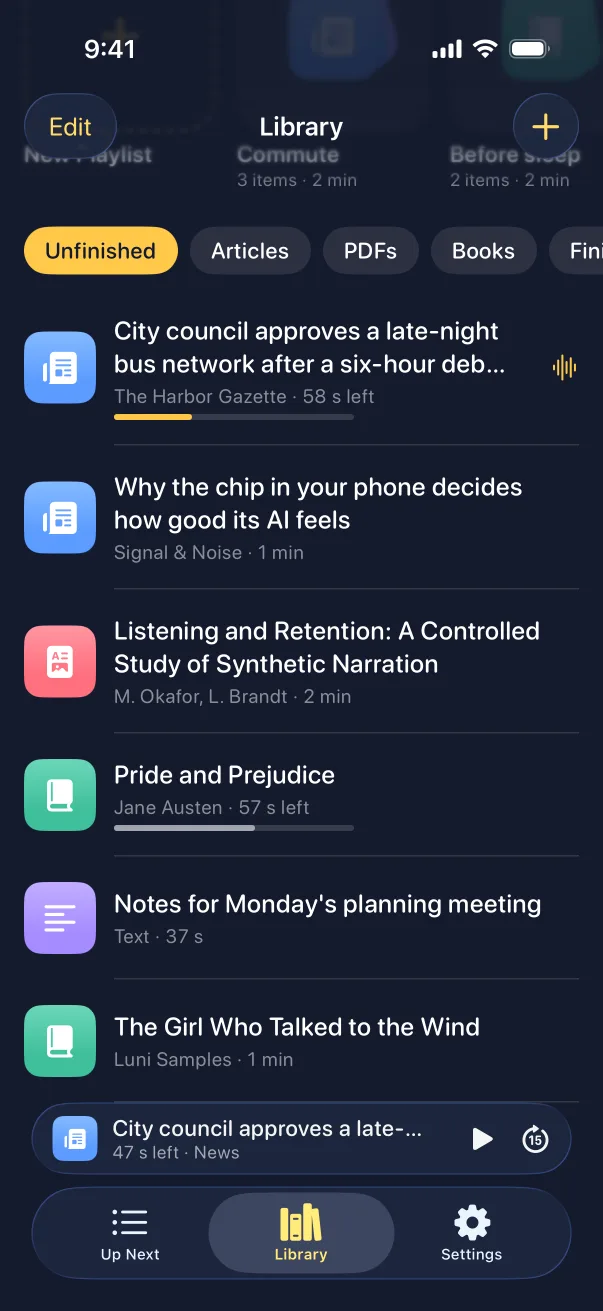
Articles, PDFs, books and text in one library
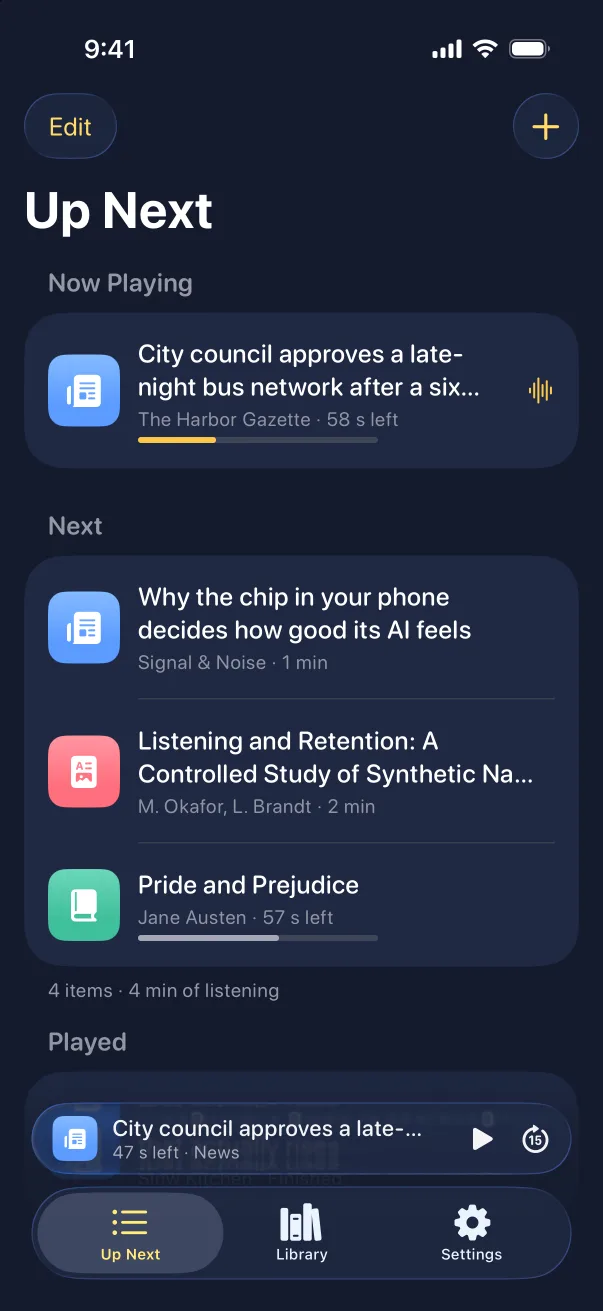
Up Next plays them in order
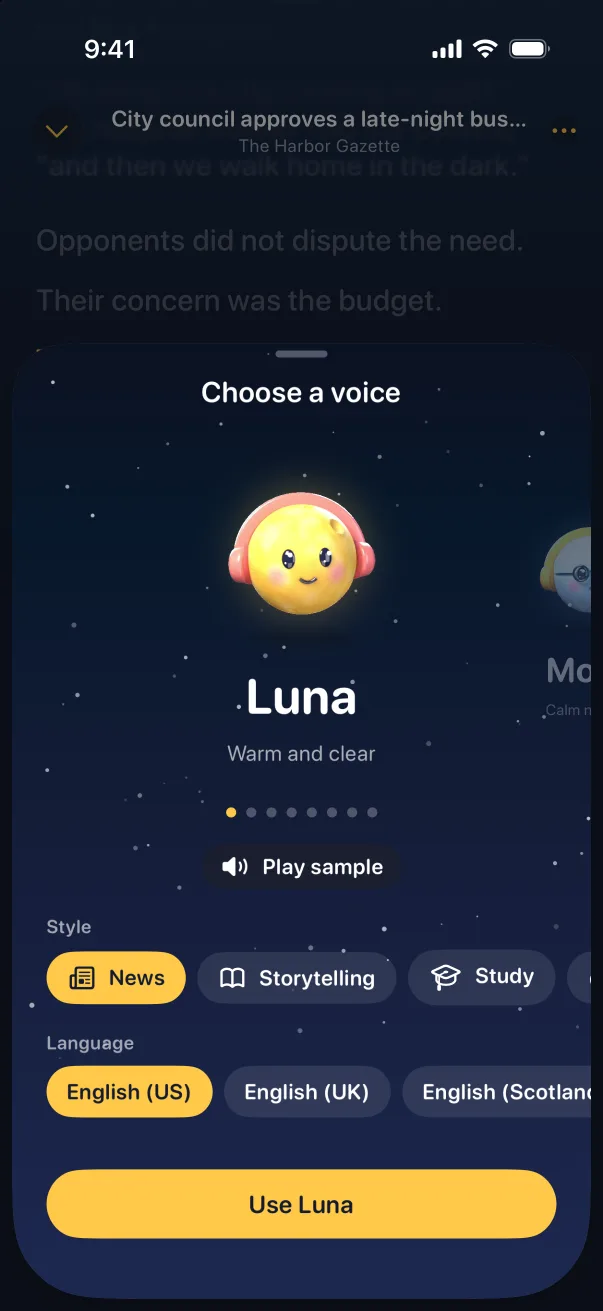
Eight voices, each with styles
There are eight, from deep to light, and all of them read English and Spanish. Styles like News and Storytelling set the pace for you.
Hi, I’m Luna. Leave your email, and I’ll be the first to read to you. Get notified
I’m Moon. Every good story needs a narrator. Save me a seat. Get notified
Tsuki here. Clear, quick, no fuss. Sign up and I’ll keep you posted. Get notified
I’m Mond. Bring me your longest PDF. I’ll be ready soon. Get notified
Hey, I’m Lua! I can’t wait to read your saved articles. Don’t miss the launch! Get notified
Hey, Kuyen here. Let’s get through that reading list together. Soon. Get notified
I’m Lune. I’ll read you to sleep. Leave your email, and rest easy. Get notified
Qamar here. Your ebooks deserve a proper voice. Join the list. Get notified

Get Luni and pick a voice you like.
Share something to it: a PDF, an article, an ebook or some text.
Press play. It reads, then moves on to the next thing in your queue.
We’ll publish the price at launch.
Luni is free to download, with a 7-day free trial of Luni Pro on the yearly plan. Pro has no listening limit. We’ll publish the price at launch.
Judge for yourself: every voice plays a sample in the app before you pay anything.
No. There’s no sign-up or login.
They stay on your phone. Luni doesn’t upload your files, text or links. It only sends anonymous usage events, like “an item finished playing”.
Yes. Adding a web article needs a connection to download the page. After that, and for PDFs, books and pasted text, it plays with no signal.
iPhones with iOS 26. There’s no Android version.
Not yet. They’re coming, so you can save things on your Mac and listen on your iPhone, with one subscription for all your Apple devices.
No. Those books are locked to their own apps. Luni reads EPUB files without DRM.
Not yet. A scanned page is a picture with no text in it, and Luni needs the text.
No. Luni plays everything in the app, with your queue and your place saved, so there’s no file to manage.
CarPlay support is coming. Until then, Luni plays through your car’s Bluetooth like any audio app.
Yes, in your iPhone’s Settings. Cancel during the trial and you pay nothing.

Luni is coming to iPhone soon. Leave your email and we’ll tell you the day it’s out.